
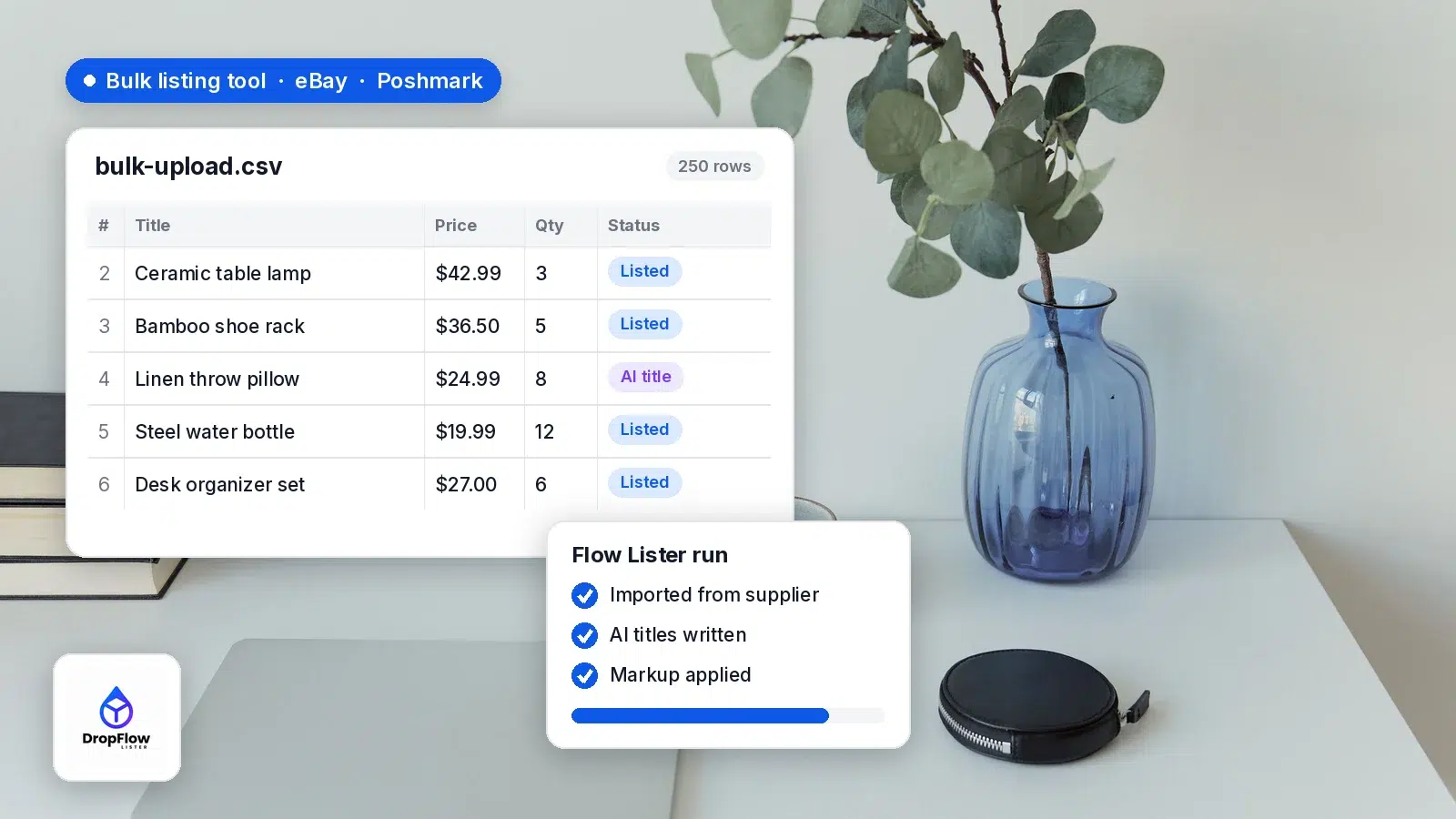
An eBay bulk listing tool lets you create, upload or edit many listings in one pass instead of filling in the listing form item by item. eBay gives you several ways to do it for free inside Seller Hub, and Poshmark has its own spreadsheet upload, so eBay and Poshmark sellers both have options. This guide walks through each one step by step, shows where the manual methods slow down once you list supplier products at volume, and explains how an AI bulk lister handles the parts a spreadsheet can’t. We checked every eBay and Poshmark page cited here on November 9, 2026.
At the end, we show the workflow in Flow Lister, part of DropFlowLister, the AI listing and dropshipping automation software that runs on eBay and Poshmark today, with more marketplaces coming. Flow Lister runs a separate, platform-aware workflow for each marketplace store you sell in. To run eBay and Poshmark together from one account, see how to dropship on eBay and Poshmark.
- Bulk Listing Tool: a table in Seller Hub to create, relist and revise up to 2,000 listings.
- Seller Hub Reports: download a template, fill it in, upload it. Processing usually takes under 15 minutes.
- From photos: eBay’s AI tool turns batches of photos into draft listings.
- Poshmark Bulk Upload: a .csv template plus photos from a zip file or an online cloud.
- From supplier data: Flow Lister imports products, writes AI titles, builds images, applies your markup and publishes.
What Is an eBay Bulk Listing Tool?
A bulk listing tool lets you work on many listings at once. eBay groups its tools into two jobs: uploading new inventory and managing existing listings. In its own words, “the right listing and editing tools depend on the size of your business, as well as the number and format of listings you have” (eBay’s help page on bulk tools).
So the best tool depends on where your product data lives: in your hands, in a spreadsheet, or on supplier product pages.
What Bulk Listing Tools Does eBay Offer?
Here are eBay’s main options and how they compare, based on eBay’s own ratings for inventory size and complexity.
| Tool | Best for | Volume / complexity (per eBay) |
|---|---|---|
| Bulk Listing Tool | Creating, relisting and revising in an on-screen table | Medium (up to 2,000) / Low |
| Seller Hub Reports | CSV or Excel uploads to add, revise, relist and end listings | High / Medium |
| Multiple listings from photos | Items you hold and can photograph | Hundreds of drafts per batch |
| Merchant Integration Platform (MIP) | SKU-based sellers with CSV or XML feeds | High / High |
| Inventory, Trading and Sell Feed APIs | Large sellers and third-party software | High / High |
Sources: eBay Help, eBay Seller Center and eBay’s photo bulk listing announcement, checked November 9, 2026.
All of these run through Seller Hub. eBay notes that business sellers are opted in to Seller Hub automatically, while private sellers need at least one sale to get access (Seller Hub Reports help). For a tour of the rest of the dashboard, see our guide to eBay Seller Hub.
How Do You Bulk List on eBay With the Bulk Listing Tool?
The Bulk Listing Tool is the easiest starting point. eBay says it “makes managing up to 2,000 listings easier and more efficient,” and you can use it to relist items, revise listings, sell similar products and finish drafts (eBay). Here is the flow:
- Open the Listings tab in Seller Hub and choose Create listing, then Multiple listings (eBay). To work on existing items, open Active, Unsold, Scheduled, Inventory or Drafts instead.
- Check the Edit box beside two or more listings, or check Select all. Use Search at the top to filter by category, format or status.
- Pick an action: Relist, Relist as fixed price, Sell similar, Create multiple listings, Resume drafts, Edit, Edit templates or Change to auction.
- Edit fields in the table, or select several rows and use Bulk edit on one field, such as the Buy It Now price.
- Click Preview, check the fee total in the bottom left corner, then click Submit all, or Save for later.
Steps 4 and 5 follow eBay’s Bulk Listing Tool guide, which also says you can raise Items per page to show up to 200 listings at once. It can also raise or lower prices across many listings by a percentage or dollar amount and schedule start times.
How Do You Bulk Upload eBay Listings With a CSV File?
For high volume, eBay points sellers to Seller Hub Reports, formerly called File Exchange. It uses templates to “add, revise, relist, and end listings” (eBay). An eBay bulk upload takes six steps:
- Go to the Reports tab in Seller Hub and select Upload.
- Select Get template, choose Listings as the source and Create new listings template as the type.
- Pick a file type. Excel (.xlsx) is the default and .csv is recommended for advanced sellers. Then tick up to 5 categories (eBay).
- Fill in one row per listing with the Add action. Red cells mark missing required fields, yellow marks item specifics that will be required soon, and blue marks recommended item specifics.
- Back in Upload, select Upload template, choose the file type and template type, and select Upload.
- Wait for “Your upload is complete,” then open the downloadable report of every action taken.
eBay says processing “usually takes less than 15 minutes, though very large files can take longer.” It also suggests listing a single product first if Reports is new to you.
Can You Bulk List on eBay From Photos?
Yes. In September 2024, eBay announced an AI-powered bulk listing tool for US sellers across all categories (eBay Community). You upload product photos, and it suggests categories, titles and item specifics, then creates draft listings for you to review.
To use it, open the Seller Hub Listings page, select Create listings and choose “Multiple listings from photos.” eBay says the tool can process hundreds of photos per batch and works on desktop and mobile web. It fits sellers who have the items in hand, while dropshippers start from supplier product pages instead.
How Do You Bulk List on Poshmark?
Poshmark’s own option is Bulk Upload. In a December 2021 Poshmark blog post, Poshmark introduced it as a web feature for Posh Ambassadors. You download a template, fill in your listing details and add photos from a zip file or an online cloud, then upload the file. Listings already in your closet are not duplicated.
In a January 2026 seller update, Poshmark added Smart Sell to Bulk Upload and made .csv files required. For a full walkthrough of listing supplier products on Poshmark in batches, see our guide to Poshmark bulk listing.
Where Does Manual Bulk Listing Slow Down for Dropshippers?
eBay’s and Poshmark’s tools move your data onto each marketplace quickly. However, a dropshipper’s real work happens before the upload, and that is where most of the hours go:
- Titles: supplier titles are written for catalogs, not marketplace search. Rewriting hundreds of them by hand is slow, repetitive work. Our free eBay title builder helps with one product.
- Images: the CSV route needs hosted image URLs, and raw supplier photos can look like every other listing of the same product.
- Pricing: every row needs your markup applied to the supplier cost, and the math has to stay consistent across the file.
- Variations: sizes and colors need each variant, and its image, mapped correctly into one listing.
For the bigger picture on growing a catalog, read how to scale an eBay store from 10 to 500 listings.
How Does an AI Bulk Listing Tool Like Flow Lister Work on eBay and Poshmark?
An AI bulk lister starts from supplier data rather than a blank spreadsheet. Flow Lister is DropFlowLister’s bulk listing engine, and it runs one pipeline in five steps:
- Import your products. Load supplier product data in batches. Flow Lister works with a broad range of suppliers and cleans the data as it comes in.
- AI optimizes the listings. It writes keyword-aware titles and unique descriptions, generates on-brand product images from your template, and calculates prices from your markup rules.
- Review and adjust. Check the AI output, pricing, images and variations in one place.
- Publish. Push listings live to the marketplace you chose. On eBay, that includes category-aware listing, item specifics and multi-variation support. On Poshmark, the workflow is tailored to Poshmark’s listing requirements.
- Track and manage. Published listings sit in your DropFlowLister dashboard.
Variations are handled automatically: Flow Lister maps size, color and style variants, matches each variant to the right image, and publishes them as one multi-variant listing. Images come from the Image Template Editor, so every listing shares the same branded look. According to the Flow Lister page, the engine has created 3.4M+ listings with a 99.4% publish success rate.
Each run belongs to one store, and each store keeps its own markup, templates and list of products already listed. The eBay and Poshmark versions of Flow Lister are opened separately (Flow Lister for eBay help guide; see also Flow Lister for Poshmark). For a full feature walkthrough, see how to bulk list with AI on eBay and Poshmark. After publishing, Flow Tracker adds continuous price and stock monitoring.
Which eBay Bulk Listing Tool Should You Use?
Match the tool to where your product data starts:
- A few dozen edits or relists: the Bulk Listing Tool.
- Product data already in a spreadsheet: Seller Hub Reports with a CSV or Excel template.
- Items on your shelf: Multiple listings from photos.
- Poshmark inventory in a spreadsheet (Posh Ambassadors): Poshmark Bulk Upload.
- Supplier products at dropshipping volume: an AI bulk lister such as Flow Lister, which handles titles, images, markup and variations before anything reaches your eBay or Poshmark store.
Many sellers combine them, for example Flow Lister for new supplier products and the Bulk Listing Tool for a seasonal price change. To compare full automation suites, see our roundup of the best dropshipping automation software for eBay, Poshmark and more.
eBay Bulk Listing Tool FAQ
Is there a free eBay bulk listing tool?
Yes. The Bulk Listing Tool, Seller Hub Reports and Multiple listings from photos are all built into Seller Hub, which eBay describes as free to use (eBay). Your usual selling fees still apply, and the Bulk Listing Tool shows the fee total before you submit.
How many listings can you bulk list on eBay at once?
The Bulk Listing Tool manages up to 2,000 listings and shows up to 200 per page. Seller Hub Reports is rated for high volume, and MIP accepts feed files up to 25 MB, so eBay recommends splitting larger feeds.
Can you bulk list eBay listings with variations?
Yes, but each variant needs its own values and image. Flow Lister maps variants automatically and publishes them as one multi-variant listing.
Can you bulk edit existing eBay listings?
Yes. Select two or more listings in the Bulk Listing Tool and choose Edit, or download an “Edit price, quantity or delete listings” template from Seller Hub Reports, change it and upload it again.
Does bulk listing work on Poshmark too?
Yes. Posh Ambassadors can use Poshmark’s Bulk Upload, and Flow Lister runs its own workflow for Poshmark stores, built for Poshmark’s listing requirements.
Ready to Bulk List Faster?
Start with the free eBay and Poshmark tools to learn the fields, then move the repetitive parts to software once your catalog grows. Plans start at $19.99/mo for Poshmark and $39/mo for eBay (see DropFlowLister pricing). When you’re ready, try DropFlowLister 14 days for $1.


