
Help Center
How can we help?
Step-by-step guides, FAQs, and fixes for every DropFlowLister tool.
Start here
New to DropFlowLister? Start with 3 steps
- 1
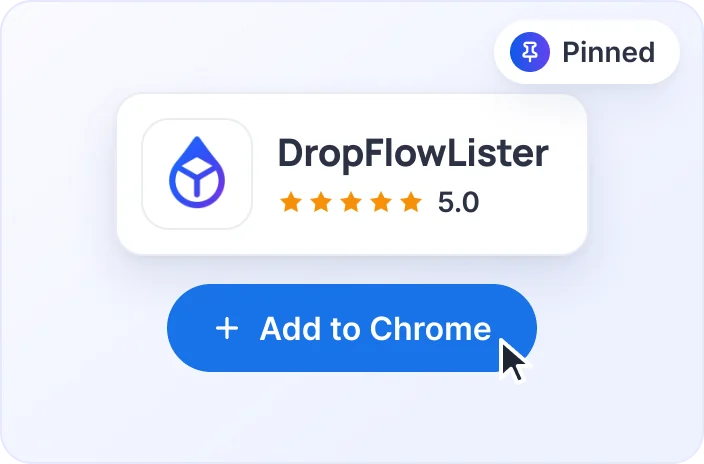
Install the extension
Add DropFlowLister to Chrome and pin it to your toolbar.
- 2
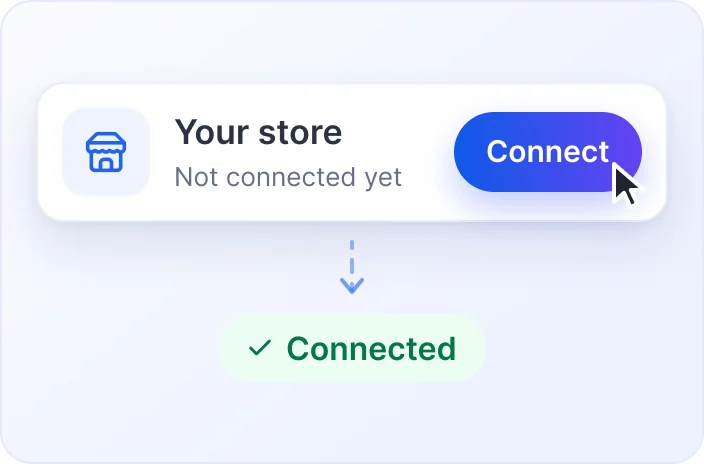
Connect your store
Sign in to your marketplace account once. That’s it.
- 3
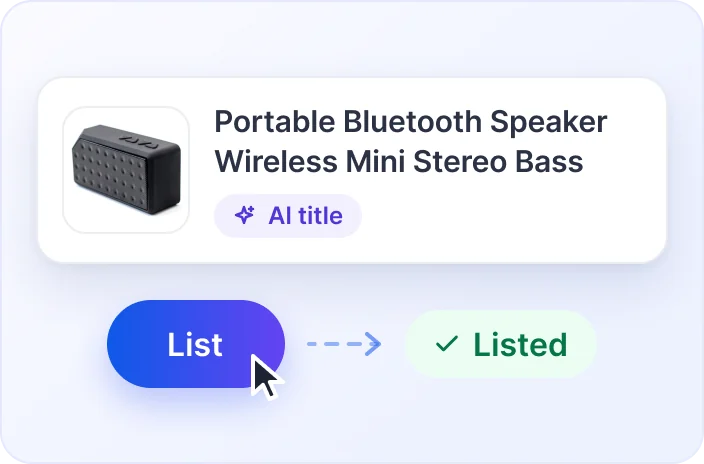
List your first product
Import a product, check the AI title and go live.
Popular articles
Browse by topic
98 articles in 12 collections. See all FAQs
Getting Started
Install DropFlowLister, set it up, and learn the basics.
3 articlesPlans, Billing & Account
Sign in, manage your account, and understand plans, credits, and billing.
4 articlesListing
Bulk and single listing to eBay and Poshmark, plus auto-scheduling.
8 articlesListing Setup & AI Tools
Stores, regions, VeRO protection, AI prompts, image enhancement, and image templates.
12 articlesProduct Research
Find products to sell with eBay search tools, Market Analyzer, and Profit Hunter.
6 articlesPrice & Stock Tracking
Keep prices and stock in sync with your supplier on eBay and Poshmark.
8 articlesListing Management
Relist, revise, refresh, and clean up listings.
6 articlesOrders, Offers & Bookkeeping
Place supplier orders, collect offers, and record sales.
8 articlesSourcing & Importing Products
Collect Amazon products and send them to the lister.
2 articlesDropFlowLister Web App
Connect the extension to the DropFlowLister web app.
2 articlesTroubleshooting & Errors
Exact error messages, causes, and fixes, plus general troubleshooting.
33 articlesPrivacy, Security & Support
Permissions and data use, bug and VeRO reports, and feature requests.
6 articlesStill stuck? Chat with us.
Message our team and we’ll walk you through it. You can also email contact@dropflowlister.com.