
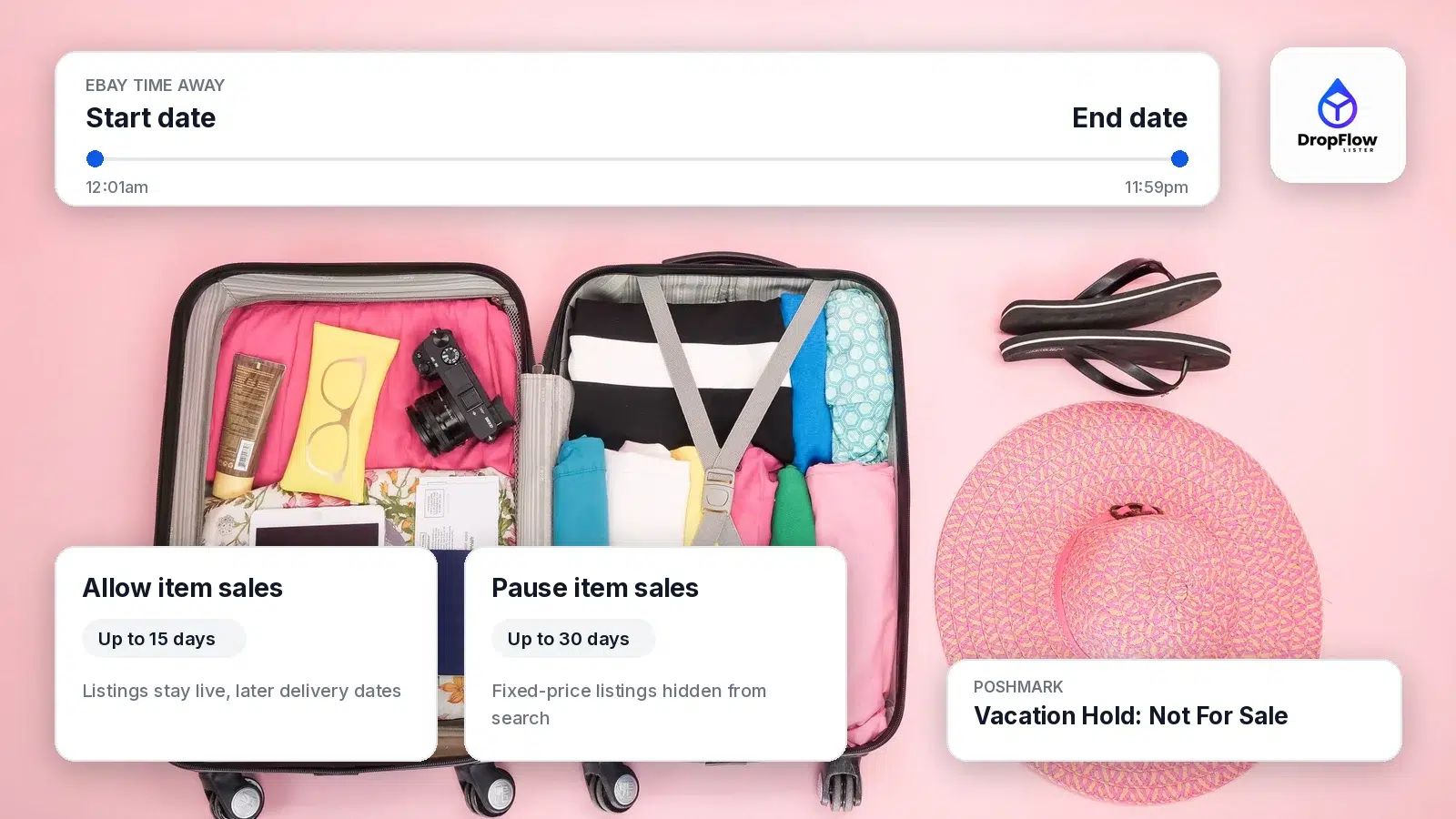
Holidays, a family trip or a busy week can all pull you away from your store. eBay and Poshmark both give sellers a way to step back without leaving buyers guessing. On eBay it’s called eBay Time Away, and many sellers still call it vacation mode. On Poshmark it’s Vacation Hold.
This guide walks through both: how to turn each one on, what happens to your listings while you’re away, and what to check before you leave and after you’re back. It’s written for dropshippers, so it also covers when to pause and when to keep selling. Every setting below comes from eBay’s and Poshmark’s own help pages, checked on November 28, 2026.
- eBay. Go to Time Away settings, select Schedule time away, choose Allow item sales (up to 15 days) or Pause item sales (up to 30 days), set your dates and select Apply.
- Poshmark. Go to the Account tab, select My Seller Tools, tap Vacation Hold and choose your start and end dates.
- Messages. On eBay, set an automatic response so buyers who write to you know when you’re back.
- Stock. DropFlowLister keeps checking supplier price and stock on eBay and Poshmark, and plans start at $19.99/mo for Poshmark and $39/mo for eBay.
What Is eBay Time Away (Vacation Mode)?
eBay Time Away is the setting for sellers who need a break and “won’t be able to process your sales as normal,” as eBay’s Time Away help page puts it. Older guides call it eBay vacation mode, but the setting now lives under Time Away settings in your account.
It gives you three things. First, a schedule for how long you’ll be away. Second, a choice between pausing your sales or letting them continue. Third, an automatic response for buyers who message you through eBay Messages while you’re gone.
How to Turn On eBay Time Away
- Go to your Time Away settings.
- Select Schedule time away.
- Choose Allow item sales or Pause item sales.
- Set a Start date and an End date. To start right away, pick today’s date.
- Select Apply.

A few timing details matter here. If you pick today’s date, the time away message appears at the top of your listings within minutes, but estimated delivery dates take a few hours to update. With Pause item sales, hiding your listings also takes a few hours. If you pick a later date, Time Away starts at 12:01am on your start date and ends at 11:59pm on your end date.
eBay also suggests starting your time away a day before your time off, to cover last-day orders, and ending it a day after you’re back, so you can work through pending orders.
How to set an automatic response
- Go to Time away settings and select Automatic response.
- Select Message when on time away.
- Set a start date and an end date for the message.
- Type your message in the Automatic response box and select Apply.
After that, buyers who contact you get a message telling them when you’re back. Keep it short: the date you return and a thank-you is enough.
How to end eBay Time Away early
Back sooner than planned? Go to Time away settings, select Cancel time away or move the End date earlier, then select Apply. It can take a couple of hours for your listings to show up in search again.
What Happens to Your eBay Listings While You’re Away?
It depends on which option you chose. Here’s how the two compare, based on eBay’s help page:
| Allow item sales | Pause item sales | |
|---|---|---|
| Longest time away | 15 days | 30 days |
| Fixed-price listings | Visible, and buyers can still buy | Hidden from search, and buyers can’t buy |
| Auction listings | Visible and buyable, with a time away message | Still visible and buyable, with a time away message |
| Buyer message | Banner at the top of your listings | Watchlist and cart buyers see a note that you’re not processing orders until your end date |
| Delivery dates | Updated for you in the Shipping and Delivery section | Updated on auctions |
| After it ends | Listings carry on as normal | Listings reappear on their own in a couple of hours |
With Allow item sales, you don’t have to change handling times by hand. eBay updates the estimated delivery dates so you don’t need to ship while you’re away. There are a few exceptions where delivery dates aren’t updated: Second Chance Offers, auto-accepted offers, pending counter-offers, seller-initiated offers accepted during Time Away, local or in-store pickup items, digital items, and some authenticated athletic shoes. For those, eBay suggests you may want to change the shipping format or handling time yourself.
Orders you sold before your start date still need to go out as usual. So clear those first, then start your time away.
How to Put Poshmark on Vacation Mode
Poshmark’s version is called Vacation Hold, though most sellers still search for Poshmark vacation mode. Its features and tools guide describes it as a way to let “your buyers know that your listings are temporarily unavailable for purchase.” To turn it on:
- Open the Account tab in the Poshmark app.
- Select My Seller Tools.
- Tap Vacation Hold.
- Choose your start and end dates.

Once Vacation Hold is on, a banner shows on your closet and every listing is marked Not For Sale. When the hold ends, your listings are available again.
What Happens to Offers and Bundles on Poshmark?
Because every listing is marked Not For Sale, buyers can’t purchase from your closet during the hold. Poshmark’s guide doesn’t spell out each offer and bundle case, so the cleanest approach is to settle them before your start date:
- Offers. Accept, counter or decline any open offers. On Poshmark, an offer with no action expires after 24 hours, according to the Make an Offer help page.
- Bundles. Reply to bundle questions and send any bundle offers you planned before the hold starts.
- Offer to Likers. Hold off on new Offer to Likers until you’re back, so buyers can act on them.
Should a Dropshipper Pause or Keep Selling?
For a store that lists supplier products, the choice comes down to how much you can do while you’re away.
- Pause if you can’t place supplier orders at all. On eBay, Pause item sales hides fixed-price listings for up to 30 days. On Poshmark, Vacation Hold does the same job for your closet.
- Keep selling if you can spend a few minutes a day on orders. eBay’s Allow item sales keeps listings live for up to 15 days with later delivery dates, so you have more room to ship.
If you keep selling, the work that piles up is price and stock checks and supplier checkouts. This is where DropFlowLister, multi-platform dropshipping automation software for eBay and Poshmark, fits in. It doesn’t turn on Time Away or Vacation Hold; you set those in each marketplace. What it does:
- Price and stock. Flow Tracker checks each supplier product and updates your listings on eBay and Poshmark. On eBay, out-of-stock items get quantity 0. On Poshmark, they’re marked Not For Sale and go back to For Sale when Amazon restocks. The eBay Simple Tracker’s auto run mode keeps monitoring your eBay listings continuously in the background. See price and stock monitoring for the details.
- Orders. With Auto Order, one click starts the supplier order when a sale comes in. On Poshmark, it opens the Amazon product and starts checkout, then you check the address and payment and click Place Order.
- Your part. You still add tracking numbers in the marketplace yourself.
If an item does go out of stock while you’re away, our guide to what the out-of-stock setting does to an eBay listing explains how quantity 0 keeps the listing ready for a restock.
What to Check Before You Leave and When You Come Back
Before you leave
- Ship every order sold before your start date.
- Answer open buyer messages, offers and bundle questions.
- Schedule eBay Time Away to start a day early and end a day late.
- Set your eBay automatic response.
- Turn on Poshmark Vacation Hold with your start and end dates.
- If you’re keeping eBay sales on, check the items eBay doesn’t update delivery dates for, like local pickup listings.
When you come back
- Check that your eBay listings are back in search, since that can take a couple of hours.
- Run a price and stock check on both marketplaces before new orders come in. Supplier prices can move while you’re away.
- Work through any orders that came in during Allow item sales, and add tracking in the marketplace as each one ships.
- Look over your shipping times. Our guide to how eBay counts late shipments explains why on-time handling matters after a break.
Running a Poshmark closet next to your eBay store? Our Poshmark dropshipping tools page shows how listing, tracking and orders work on the closet side.
FAQ
How long can eBay Time Away last?
Up to 15 days if you allow item sales, and up to 30 days if you pause item sales.
Do eBay fees stop during Time Away?
No. eBay’s help page says listing-related fees and any subscription fees you have continue to apply during your time away.
Do I need to edit my listings when eBay Time Away ends?
No. After Pause item sales ends, listings reappear on their own, usually within a couple of hours.
Can buyers still see my Poshmark closet on Vacation Hold?
Yes. Your closet shows a banner, and every listing is marked Not For Sale until the hold ends.
Does DropFlowLister turn on Time Away or Vacation Hold for me?
No. You turn those on in eBay and Poshmark. DropFlowLister keeps your supplier prices and stock in check and speeds up orders on both marketplaces.
Ready to Come Back to a Store That Stayed in Sync?
A clean break is easier when prices and stock keep getting checked while you’re gone, and orders take one click when you’re back. To set that up for your eBay store and Poshmark closet, try DropFlowLister 14 days for $1.


