
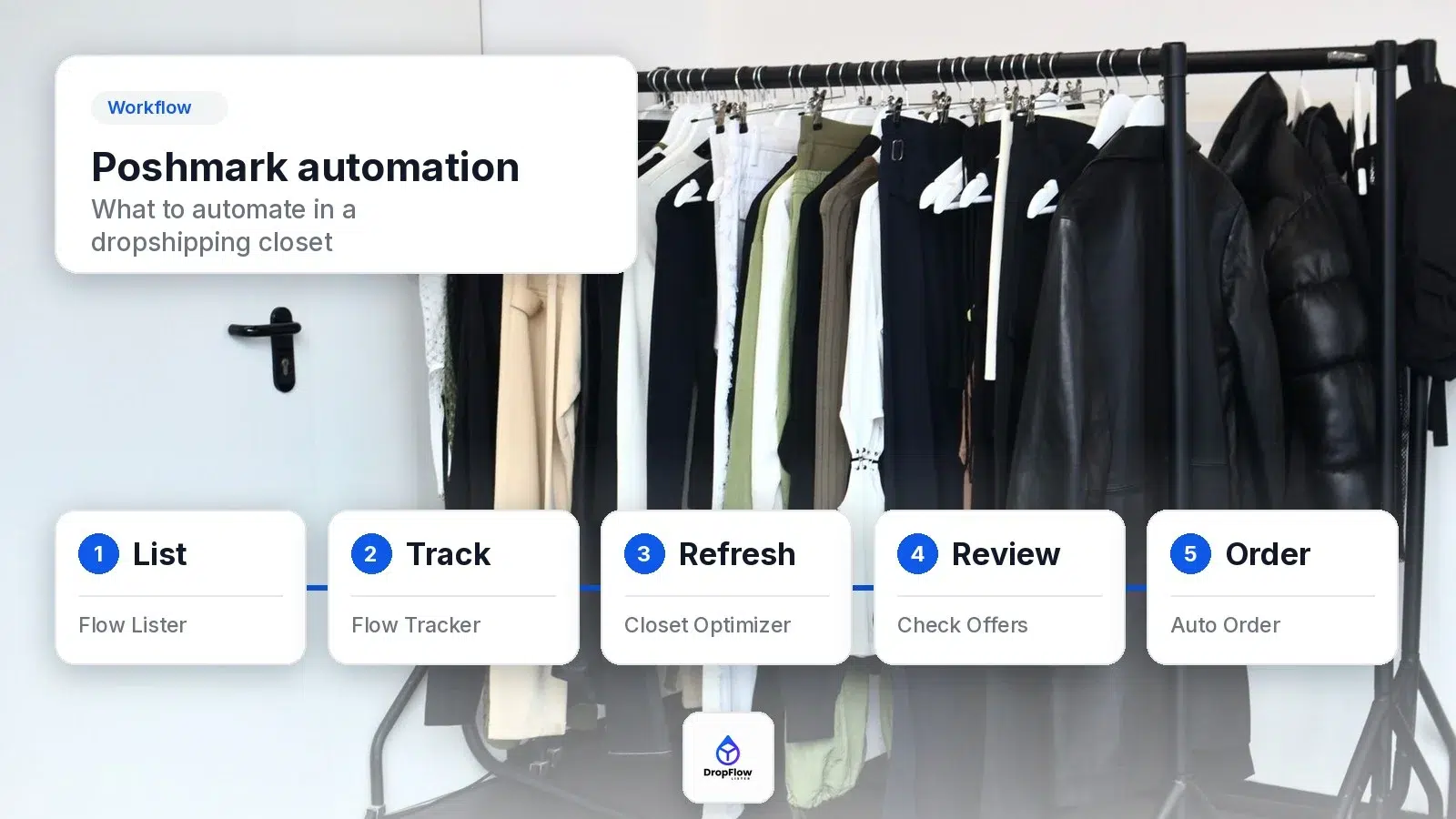
A Poshmark automation tool for a dropshipping closet should handle the work that makes money: listing supplier products, keeping price and stock matched to the supplier, refreshing older listings, checking offers against supplier cost, and turning each sale into a supplier order with the profit on record. Sharing and following matter less when your closet is built from a supplier catalog. DropFlowLister automates each of those catalog steps for eBay, Poshmark and more, and it leaves the final decisions with you.
This guide maps out which closet tasks to automate, which DropFlowLister tool covers each one, and what you still do by hand. Every feature described here comes from DropFlowLister’s product pages and help center, checked on October 23, 2026.
TL;DR: What Should a Poshmark Automation Tool Do for a Dropshipper?
- List: Flow Lister for Poshmark turns Amazon links or ASINs into full listings, and Auto-Scheduling can run it once or every day.
- Track: Flow Tracker checks the Amazon product behind each listing, updates the price with your markup, and sets out-of-stock items to Not For Sale. Continuous Tracking loops the whole closet until you stop it.
- Refresh: Closet Optimizer relists older listings that still get impressions, and it can delete the ones that don’t.
- Review: Check Offers collects your Poshmark offers and shows the matching Amazon price, stock and delivery next to each one.
- Order and record: One-click Auto Order opens the Amazon product and starts checkout; you click Place Order yourself. Automated buyer messages keep your buyer updated, and the sale lands in Bookkeeping with its profit.
Poshmark plans start with Solo at $19.99 per month for 500 listings. See the DropFlowLister pricing page for every plan.
What Is a Poshmark Automation Tool, and What Does It Usually Automate?
A Poshmark automation tool is software that does repeated closet work for you. Most tools in this category focus on social activity: sharing listings, following other closets and sending offers to people who liked an item. Those features suit resellers who own one of each item and want it seen.
A dropshipping closet, however, has a different bottleneck. You list products you don’t hold yet, so your closet is only as good as its link to the supplier. If the supplier price goes up, your margin shrinks. When the supplier sells out, a buyer can order something you can’t ship. A listing that sits for months also drops out of view. A Poshmark automation tool for dropshippers needs to cover that supplier side first.
That’s where DropFlowLister focuses. It therefore connects your Poshmark closet to Amazon at every step, from the first listing to the final profit number. For the full business setup, read our complete guide to dropshipping on Poshmark.
Which Closet Tasks Are Worth Automating?
Start with the tasks you repeat for every product, and the ones that cost money when you fall behind. This table maps each task to the DropFlowLister tool that covers it and the part you still handle.
| Closet task | DropFlowLister tool | What it automates | What you still do |
|---|---|---|---|
| Finding products | Product Finding Suite, ASIN Manager | Weekly Poshmark trends and Amazon ASIN scraping, sent to Flow Lister | Pick the products that fit your closet |
| Listing | Flow Lister for Poshmark | Title, description, category, colors, sizes, images, price, condition and SKU from each Amazon link | Set your markup, template and prompts once |
| Scheduling | Auto-Scheduling | Runs loaded links once or daily at a set time | Keep Chrome open at that time |
| Price and stock | Flow Tracker for Poshmark | Price updates with your markup, Not For Sale when out of stock, back to For Sale on restock | Choose your monitors and Max Delivery Days |
| Closet refresh | Closet Optimizer, Remove Inactive Listings | Relists older listings that get impressions and clears out the ones that don’t | Set and review your rules |
| Offers | Check Offers | Collects offers with the matching Amazon price, stock and delivery | Accept, decline or counter on Poshmark |
| Orders | Poshmark order tools, Auto Order | Opens the Amazon product and starts checkout from the sale page | Click Place Order yourself |
| Bookkeeping | Bookkeeping | Saves each Poshmark sale with fees, supplier cost and true profit | Review your numbers |
The rest of this guide then walks through each row in the order you’d set them up.
How Do You Automate Product Sourcing and Listing?
Automation starts before the first listing. DropFlowLister’s Product Finding Suite covers research across 500M+ products, including a weekly feed of Poshmark trends ranked by margin and velocity. When you find products you like, ASIN Manager saves their Amazon ASINs and sends them to Flow Lister for Poshmark in one step.
Flow Lister for Poshmark accepts Amazon product links or bare ASINs. Amazon.com products list to poshmark.com, and Amazon.ca products list to poshmark.ca. For each product, it fills in the title, description, category, colors, sizes, images, price, condition, SKU and discounted shipping. Additionally, the AI writes the title and description from your own prompts, and the price comes from the Amazon cost plus your markup. The Flow Lister for Poshmark guide covers every setting.
Two details keep large runs tidy. Products you’ve already listed show under “Already Listed Products (Excluded)”, so you don’t post the same item twice. After 100 listings in a run, Flow Lister adds a two-minute cooldown every five listings to keep the pace steady. For a deeper walkthrough, see how to list hundreds of Amazon products to Poshmark in one run, and for the product overview, visit Flow Lister’s AI bulk listing for eBay and Poshmark.
How does Auto-Scheduling fit in?
Auto-Scheduling then runs the links already loaded in Flow Lister at a time you choose. You can pick One-time execution or Repeat daily, and an optional Max Listing Limit stops a run after a set number of listings. Poshmark has its own schedule, separate from eBay’s, so a multi-platform seller can list to each marketplace at different times. The schedule runs inside the Chrome extension, so Chrome needs to be open at the scheduled time. The Auto-Scheduling guide shows the setup.
How Do You Keep Prices and Stock in Sync Automatically?
In fact, this is the most valuable job a Poshmark automation tool can do for a dropshipper. Flow Tracker for Poshmark adds a Product Tracker widget to your closet page and checks the Amazon product behind each listing. Specifically, it matches listings to Amazon through the ASIN in the SKU or description, which Flow Lister adds for you.
You turn on the monitors you want:
- Stock Monitor: sets a listing to Not For Sale when the Amazon product is out of stock, and back to For Sale when it returns.
- Price Monitor: updates the listing price to the Amazon cost plus your markup. A Price Trigger Threshold skips tiny changes.
- Size Variation Tracking: syncs stock size by size on multi-size listings, so one sold-out size doesn’t take down the rest.
Max Delivery Days adds one more check. Items that would take longer than your limit to arrive are marked unavailable, so slow shipping doesn’t reach your buyers. Variable Markup by Cost also lets you set a different markup for each Amazon cost band.
Which Flow Tracker modes can you run?
There are three ways to run it. Track Items checks every listing in your closet and updates stock and price from the supplier. The $ button on a listing tile, instead, tracks just that one listing. Continuous Tracking loops your whole closet until you press Stop, and it runs in a separate window that keeps going while the tab sits behind other windows. For a test, set Start Tracking From and Stop Tracking After to check 20 items first.
The Flow Tracker for Poshmark guide lists every setting, and you can learn how Not For Sale keeps out-of-stock listings off the market in our guide to that workflow. For the product overview, see Flow Tracker’s price and stock monitoring.
How Do You Keep an Older Closet Fresh?
Older listings can sink in Poshmark search. The Closet Optimizer relists listings that are old enough and still getting impressions, so they look fresh again. It uses Poshmark’s own Copy Listing and Replace Original, which keeps your likes.
Two rules drive it: Min days listed (default 60) and Min impressions (default 30). An older listing with enough impressions is relisted. By default, an older listing below the impression floor is deleted. To only relist, turn off Delete listings below the impression floor and click Save. A “Don’t relist again within” setting (default 30 days) stops the same listing from cycling too often.
The optimizer works best right after Flow Tracker. By default, it only relists items with a fresh green tracker badge, so you only refresh listings that are in stock at the current Amazon price. Deleted listings can’t be recovered, so review your filters in Settings before each run.
For listings that are already inactive, Remove Inactive Listings (the Poshmark Purger) deletes the ones that match every rule you set, such as “listed 90+ days with 5 or fewer likes”. It never touches active or sold listings.
How Do You Build Poshmark’s Fee Into Your Markup?
Automated pricing only protects your margin if the markup covers Poshmark’s fee. Poshmark’s fee policy says: “For sales under $15, the fee is a flat rate of $2.95. For sales above $15 and above, the fee is 20% and you keep 80%.” So a $30 sale pays out $24. If the Amazon product cost you $12, you keep about $12 before packaging and other costs.
Flow Tracker and Flow Lister price each listing as the Amazon cost plus your markup. In Flow Tracker, the default Markup Percent is 100%, so a $100 Amazon cost becomes a $200 listing. Variable Markup by Cost sets a different markup for each Amazon cost band, so you can give low-cost items, where the flat $2.95 fee takes a bigger share, a higher markup. To test a price before you set your markup, try the Poshmark fee and profit calculator for US and Canada sales. After each sale, the Poshmark order tools read the fee from the sale page, so Bookkeeping shows what you actually kept.
How Do You Review Offers Against Supplier Cost?
Offers are where margins quietly disappear. An offer that looks fine against your list price can lose money if the Amazon price went up since you listed. Check Offers collects your Poshmark offers from the last 1 to 365 days and shows the matching Amazon price, stock and delivery next to each one.
Check Offers reads and saves offers. It doesn’t accept, decline or counter them, so the decision stays with you on Poshmark. You can also export the collected offers as JSON or CSV to review them in a spreadsheet. Make sure your listings carry a SKU so each offer can be matched to its Amazon product. Listings made with Flow Lister already have one.
How Do You Automate Orders and Bookkeeping?
When an item sells, the Poshmark order tools appear on the order page in My Sales. The listing’s SKU points to the Amazon product, so you don’t have to search for it.
One-click Auto Order opens the Amazon product and starts checkout; you click Place Order yourself. An order note card keeps the Amazon account email, order number and ETA with each sale, so you can find them later. A Relist button opens the sold item in Poshmark’s Copy Listing, ready to post again.
Automated buyer messages work on Poshmark too. With Send ETA message (AI) turned on, your buyer gets an AI-written delivery update after Amazon confirms the order.
After you place the order, the tool reads Amazon Order History and saves the sale to Bookkeeping. It also reads Poshmark’s Pricing and earning info panel to work out the fee and other deductions. Each saved sale includes a true profit: what you earned minus what you paid the supplier. Bookkeeping lives in the DropFlowLister web app, where eBay and Poshmark sales show in separate sections. See Auto Order and Bookkeeping for dropshippers for the product overview. The same steps for eBay and Poshmark are laid out in our dropshipping order management guide.
What Should You Keep Doing by Hand?
In other words, good automation takes the repeated clicks off your plate and leaves the judgment calls with you. In a DropFlowLister closet, you still:
- Choose which products to list and set your markup.
- Accept, decline or counter each offer on Poshmark.
- Click Place Order on Amazon for each sale.
- Set and review the Closet Optimizer and Purger rules before a run.
- Check your profit in Bookkeeping and adjust your markup or product mix.
Overall, those steps take minutes, and they’re the ones that protect your margin.
What Does a Weekly Poshmark Automation Routine Look Like?
Here’s a simple routine that uses every tool above:
- Research: check the weekly Poshmark trends and save new ASINs in ASIN Manager.
- List: load the new links into Flow Lister for Poshmark and let Auto-Scheduling run them daily.
- Track: keep Continuous Tracking running, or run Track Items before you start work each day.
- Refresh: once a week, run the Closet Optimizer right after a tracking pass.
- Review offers: run Check Offers and answer offers with the Amazon cost in view.
- Order: use Auto Order from each sale page as orders come in.
- Measure: check Bookkeeping weekly and raise or lower markups by product.
If you also sell on eBay, one DropFlowLister account can run your eBay store alongside your Poshmark closet. Our guide to running an eBay store next to your closet shows how.
How Much Does a Poshmark Automation Tool Cost With DropFlowLister?
DropFlowLister prices Poshmark plans by the number of listings per month:
| Poshmark plan | Price per month | Listings per month |
|---|---|---|
| Solo | $19.99 | 500 |
| Squad | $64.99 | 4,000 |
| Agency | $125 | 10,000 |
Every plan includes the full feature set, so plans differ only by volume and support. Unused listings roll over while your subscription is active, and annual billing saves 20%.
FAQ: Poshmark Automation for Dropshippers
How does DropFlowLister keep older Poshmark listings visible?
The Closet Optimizer relists older listings that still get impressions, using Poshmark’s Copy Listing and Replace Original, so they look fresh again and keep their likes.
Does DropFlowLister accept offers for me?
No. Check Offers collects your offers and adds the Amazon price, stock and delivery. You accept, decline or counter on Poshmark.
Which suppliers work with the Poshmark tools?
Amazon. Flow Lister for Poshmark accepts Amazon links or ASINs, and Flow Tracker and Auto Order use the Amazon product in each listing’s SKU.
Can tracking keep running while I work?
Yes. Continuous Tracking loops your whole closet until you press Stop, in a separate window. Keep a sliver of that window visible while it runs.
Does Auto Order buy the product without me?
No. Auto Order opens the Amazon product and starts checkout, and you click Place Order yourself.
Is a Poshmark bot the same as a Poshmark automation tool?
The two terms often get used for the same thing, so it helps to look at what the tool actually does. DropFlowLister automates listing Amazon products to your closet, price and stock checks, closet refresh with the Closet Optimizer, and offer checks against your supplier cost. Placing the Amazon order stays in your hands: Auto Order opens the Amazon product and starts checkout, and you check the address and payment and click Place Order.
Ready to Automate the Work That Makes Money?
The best Poshmark automation tool for a dropshipping closet keeps every listing tied to its supplier. Let Flow Lister build the closet, Flow Tracker keep it priced and in stock, the Closet Optimizer keep it fresh, and Auto Order and Bookkeeping close out each sale. Start with 20 products, run one tracking pass and one optimizer pass, and check your first profits in Bookkeeping. When you’re ready to set it up, you can try DropFlowLister 14 days for $1.


